
Just finished setting up the first version of my navigation stack. I’m using the Navigation 2 stack for Ros2. Below is a sped up video where the robot gets a goal position and manages to get there on its own.
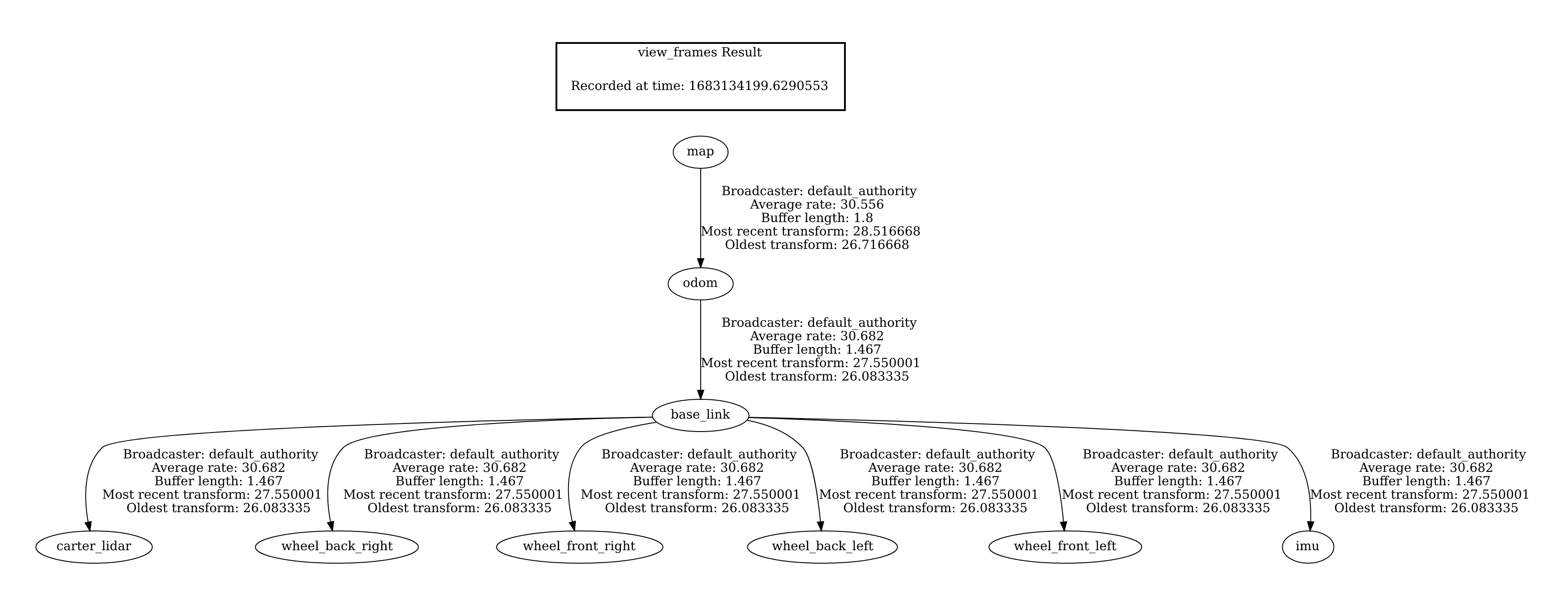
Here is a photo of the transformation tree. It is used to calculate the positions relative to each other.
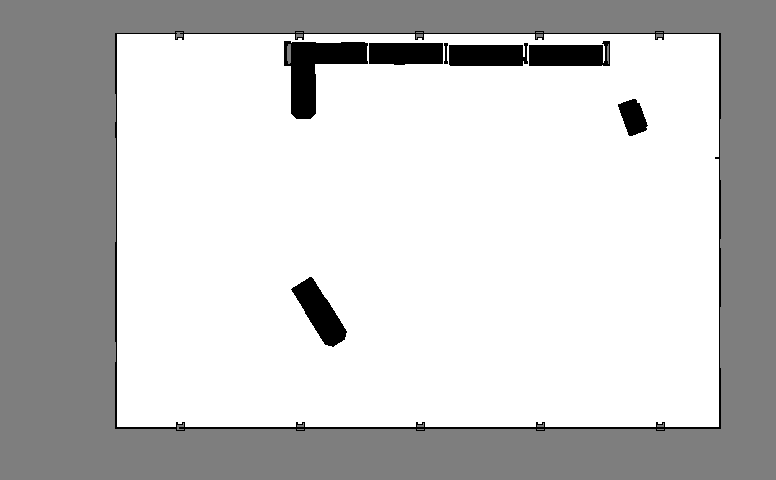
The navigation system currently utilizes AMCL (Adaptive Monte Carlo Localization) for localizing its current position. To function correctly, AMCL requires a pre-drawn costmap of the environment, similar to the black and white image shown below. This is the costmap used for the navigation the warehouse in the video.
It also reads from the data sent out from the LIDAR on the robot. It can then read the distance 360 degrees around itself in 2D, and then together with the costmap it will try localize itself on the map.
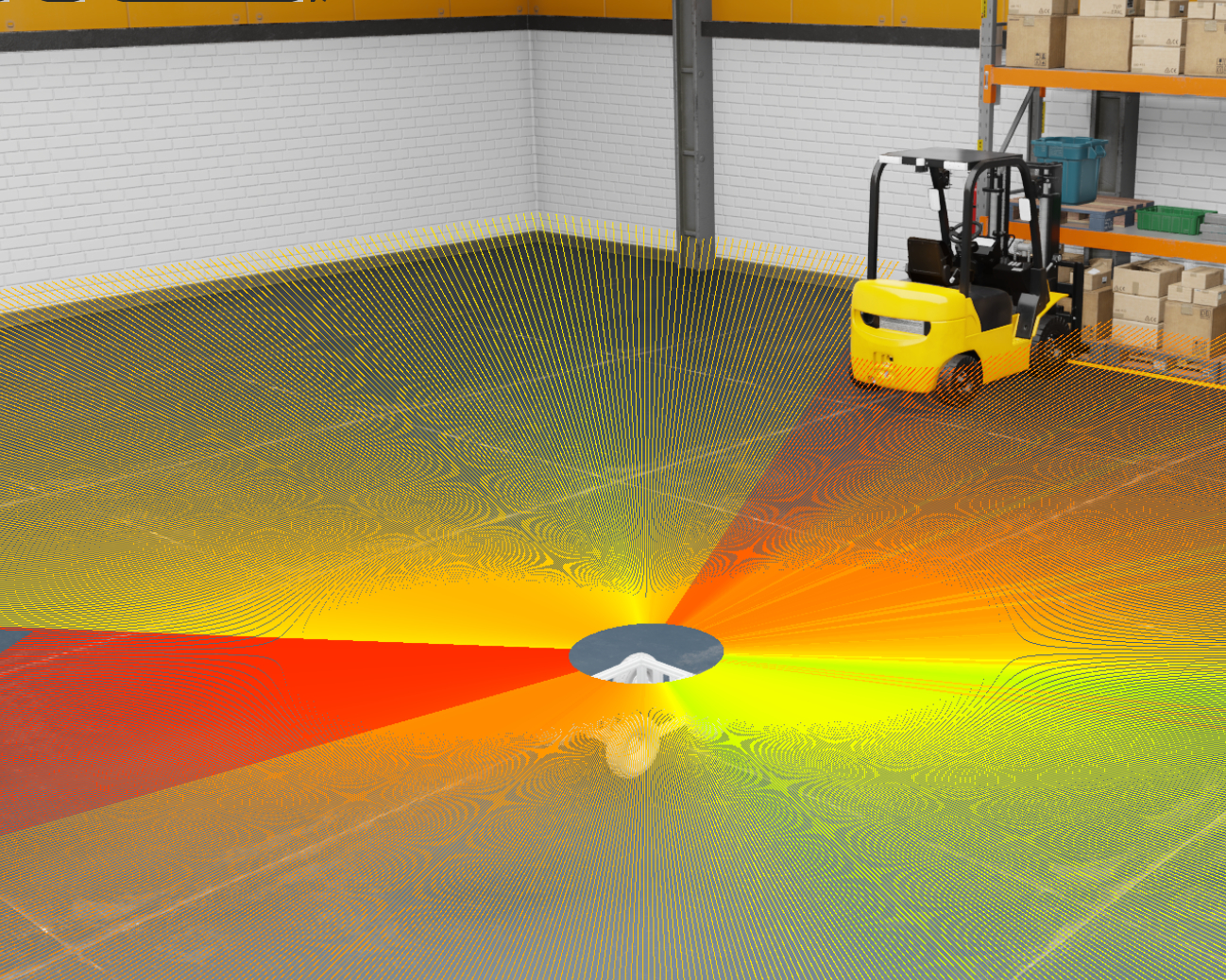
However AMCL does not a great job in terrain where the ground is not always flat. My plan is the run the real robot in an environment more similar to a forest, where there is trees and uneven terrain. Also I don’t don’t want to pre-draw every environment before I can run.
Next step
My next step is to replace the localization method with a localization method that is able the localize in a complex 3D environment with a 3D LIDAR and a IMU (Inertial measurement unit). I also need it to be able to navigate without any pre-drawn map. I will try to implement something similar to the video below. I already have a similar LIDAR model as the one used in the video.
 homepage